Specialist dealer · Lauchringen
Robustbook/ Notebooks/ Durabook Z14I Laptop
Notebooks

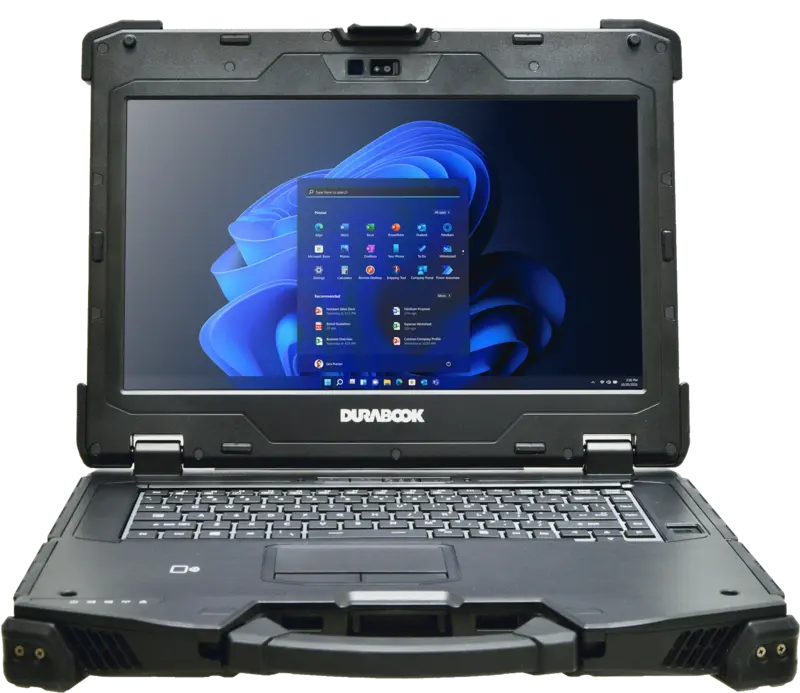
Durabook Z14I Laptop
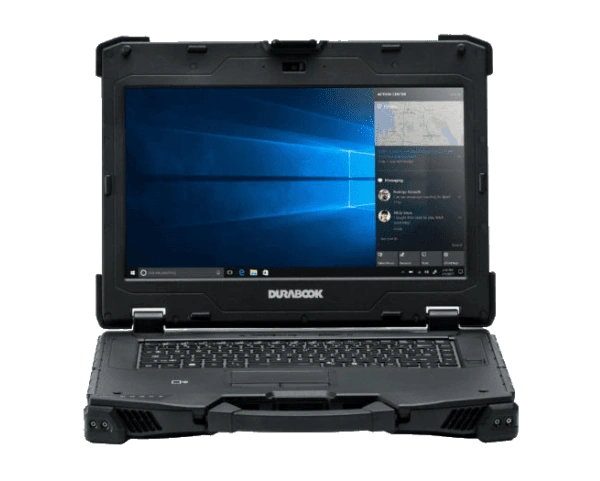
display 14.0 inch · protection rating IP66 · MIL-STD-810H · MIL-STD-461G · weight 3.6 kg. All core specs with sources in the datasheet.

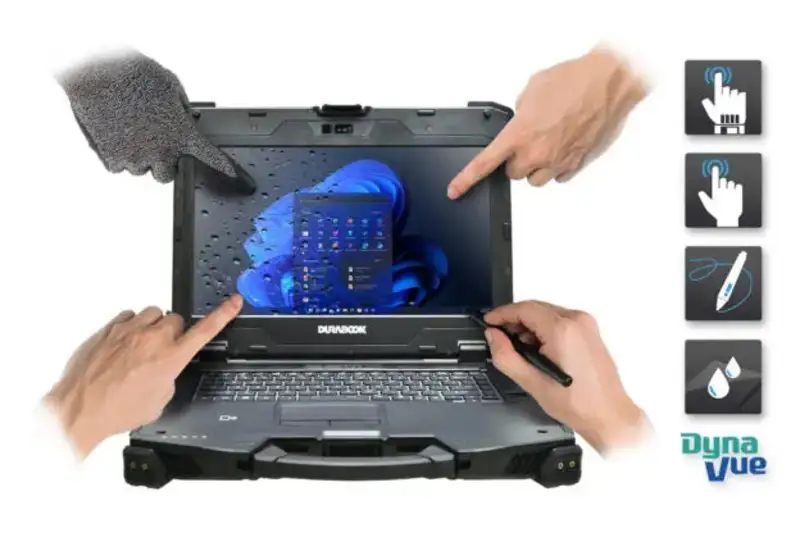
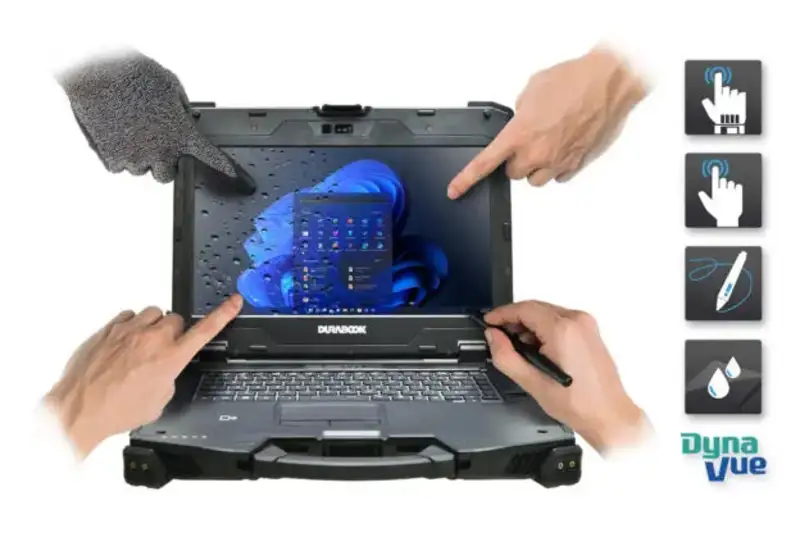
14" Full HD – optional DynaVue (sunlight-capable)

IP66 and MIL-STD-810H

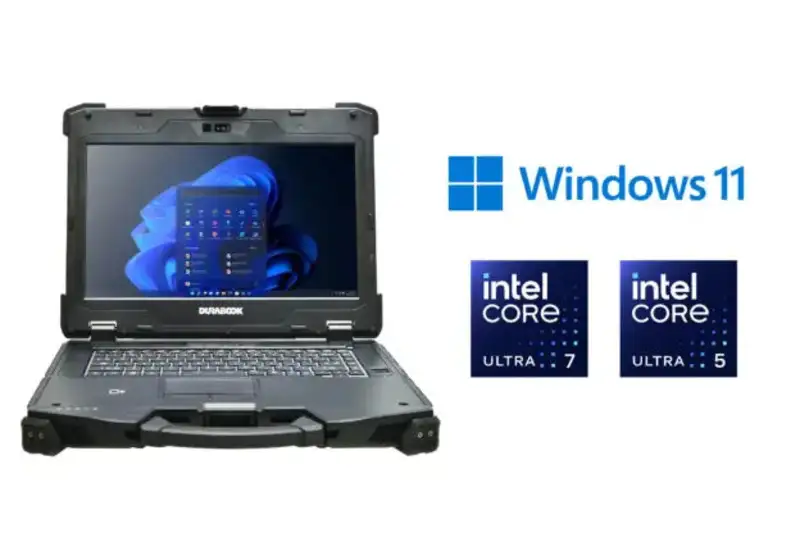
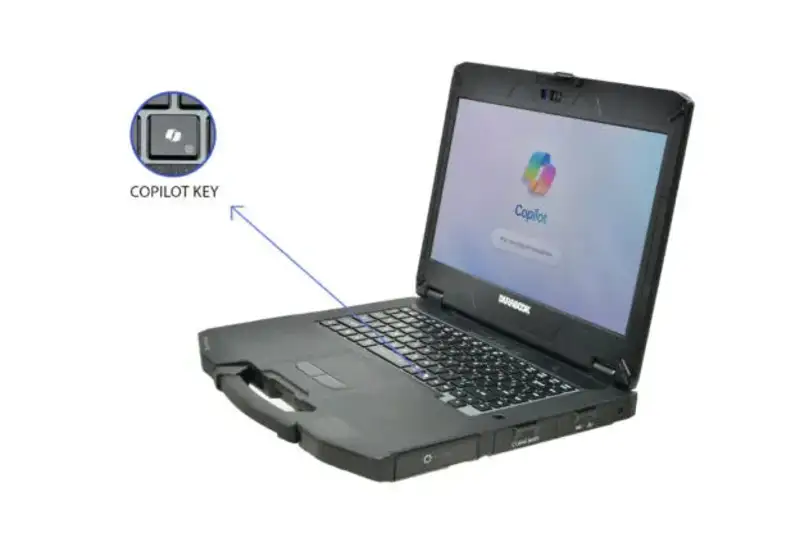
Intel® Core™ Ultra (AI PC)

up to 64 GB RAM (depending on configuration)

NVMe PCIe SSD (quick-release, depending on configuration)

Runtime depends on configuration (optional hot-swap)

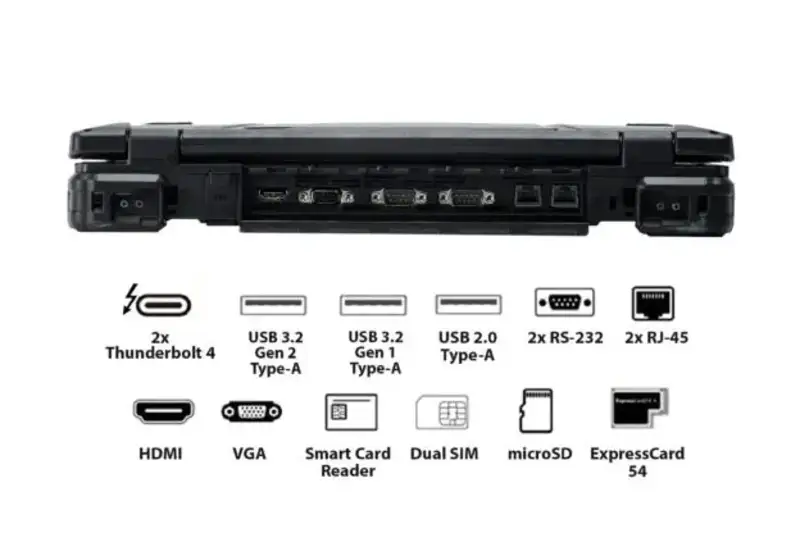
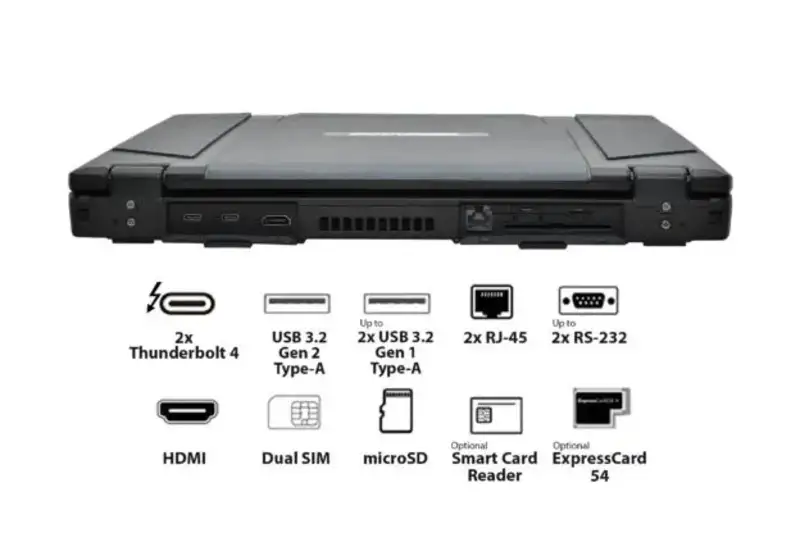
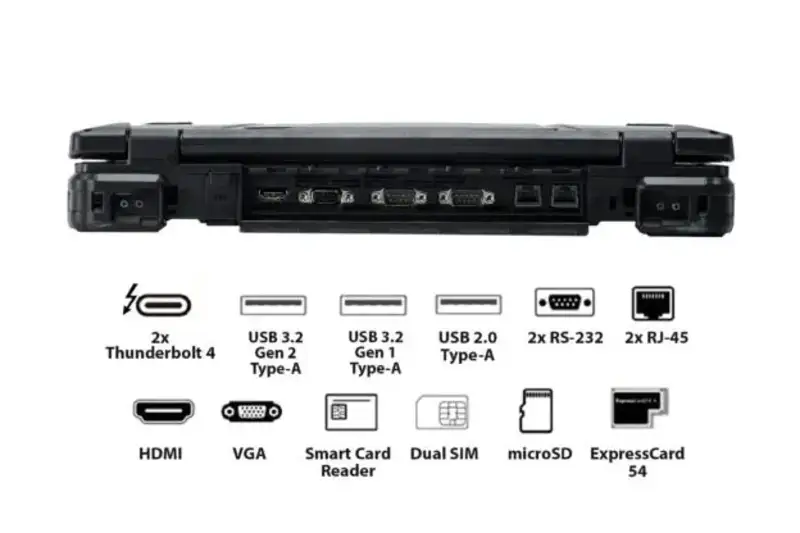
Interfaces

Accessories

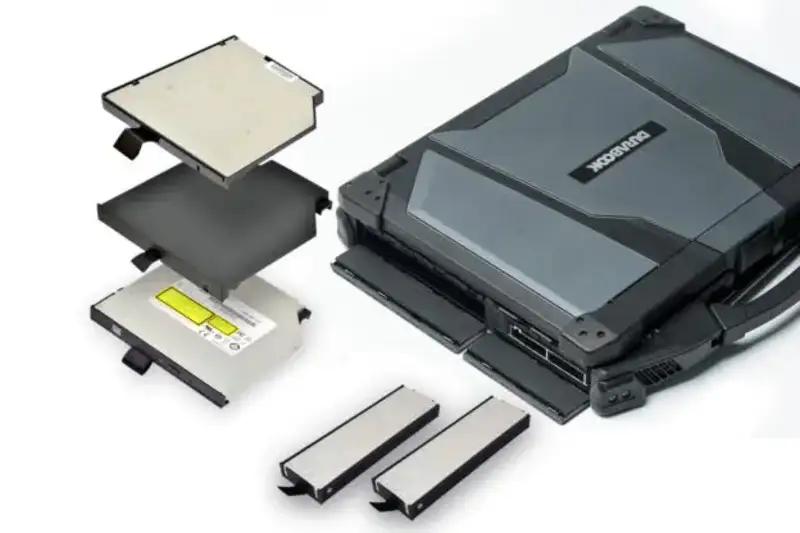
Media bay

Technical datasheet
Request a Free, No-Obligation Quote Now

Contact us for information on hire purchase and leasing!
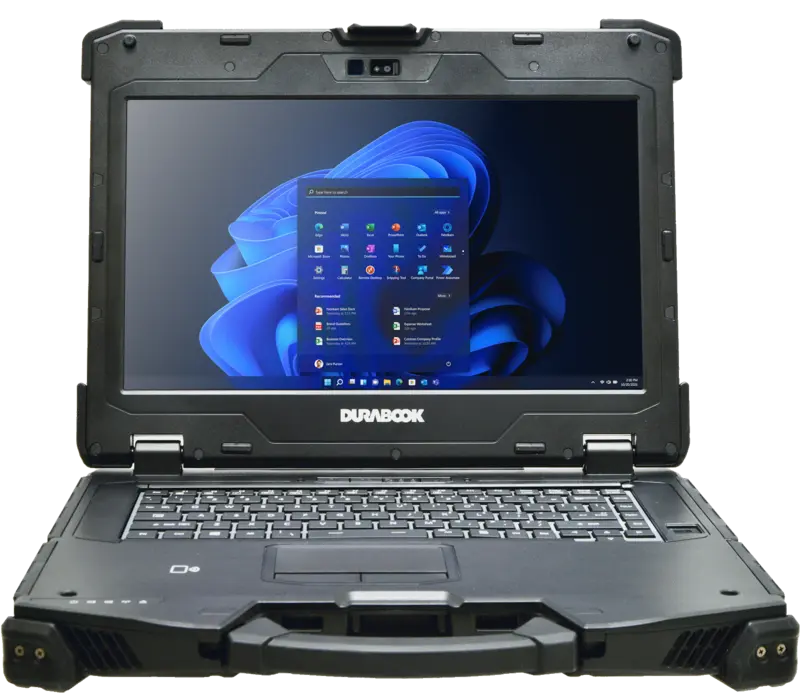
Z14I and Z14I-HG

This page describes the Durabook Z14I with the values of its datasheet (3.6 kg). Durabook lists the version with a dedicated NVIDIA RTX 3500 Ada graphics card as a separate model, the Z14I-HG, at 4.9 kg. It has its own page and its own datasheet: Durabook Z14I-HG.

Image Gallery

Swipe sideways to see all images.

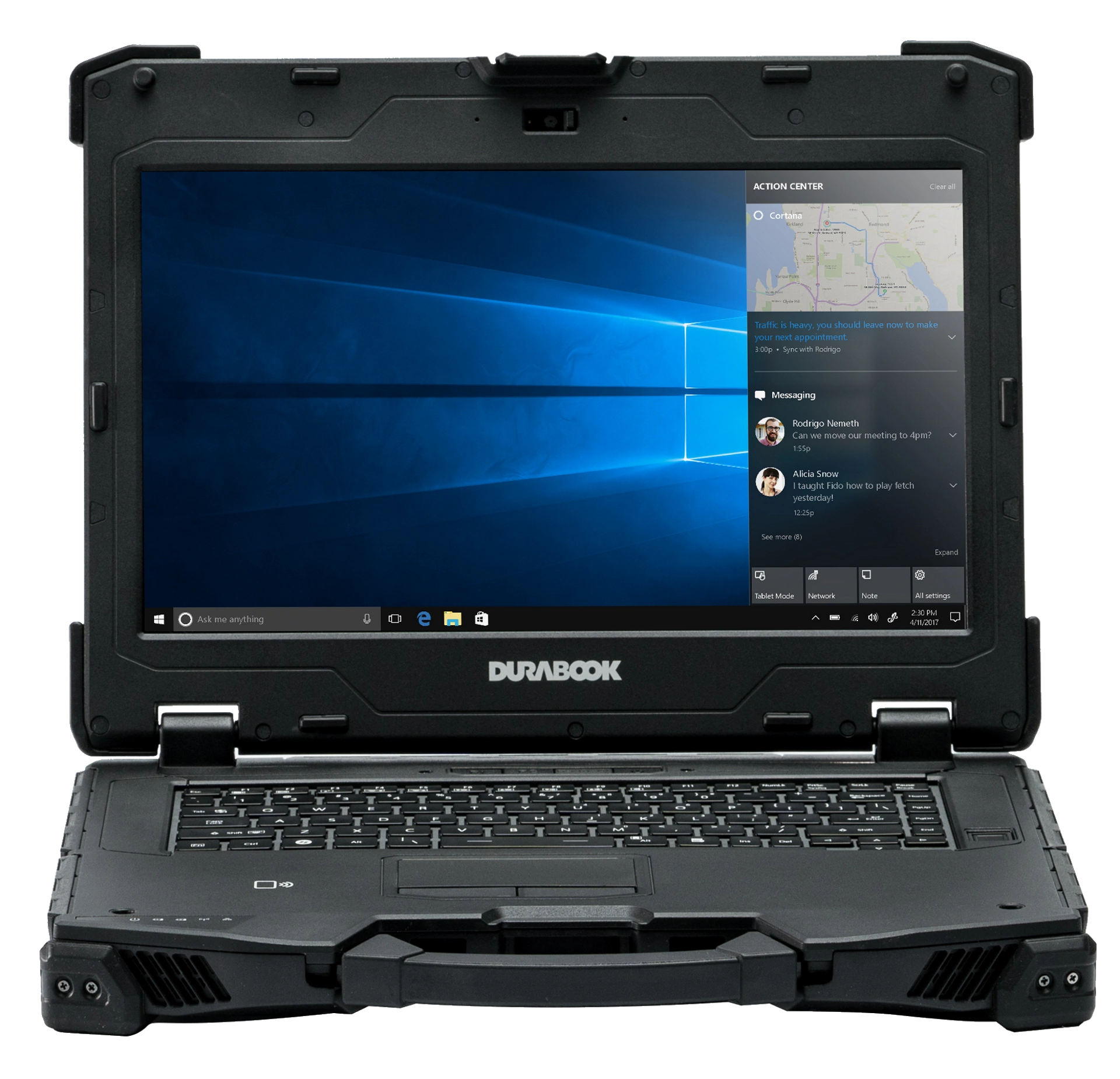
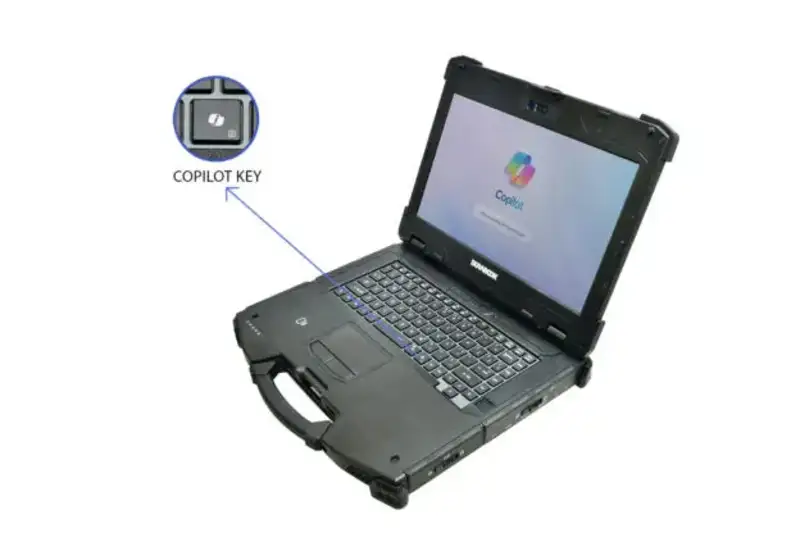
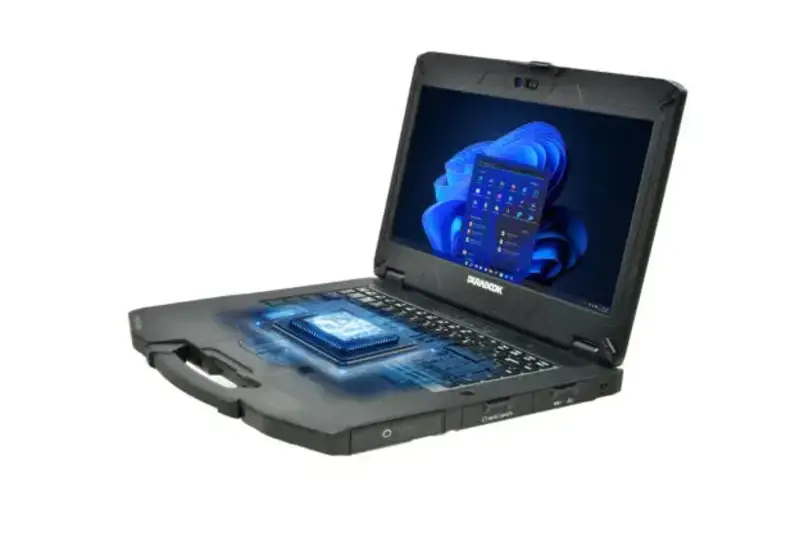
Durabook Z14I – Product Photo 1
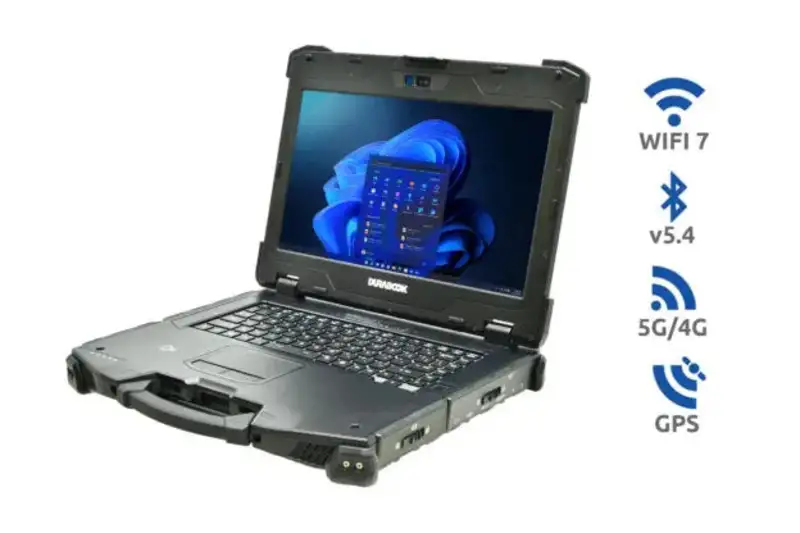
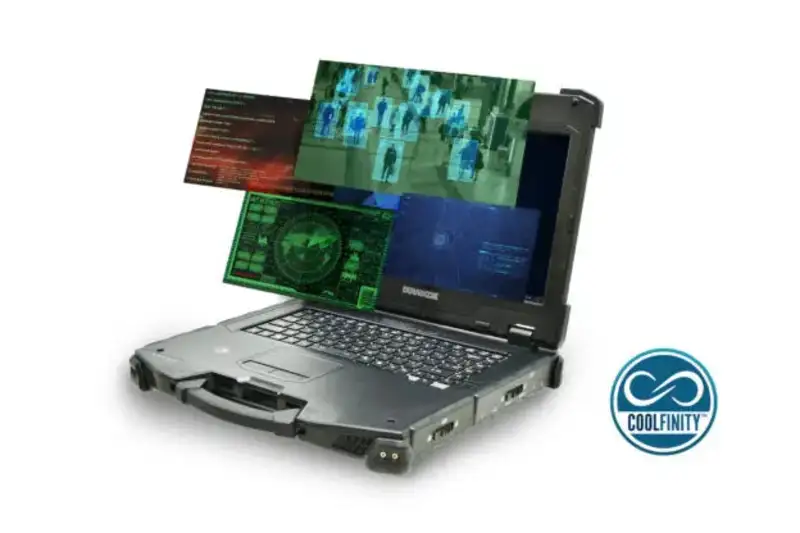
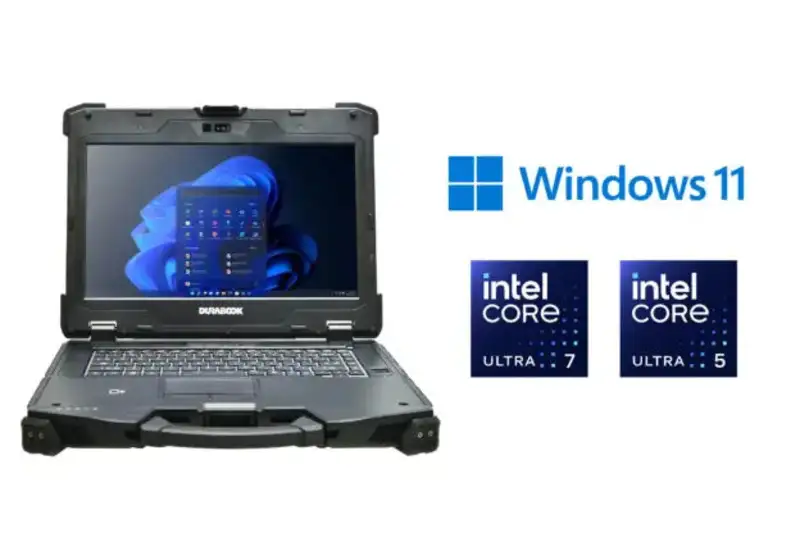
Durabook Z14I – Product Photo 2
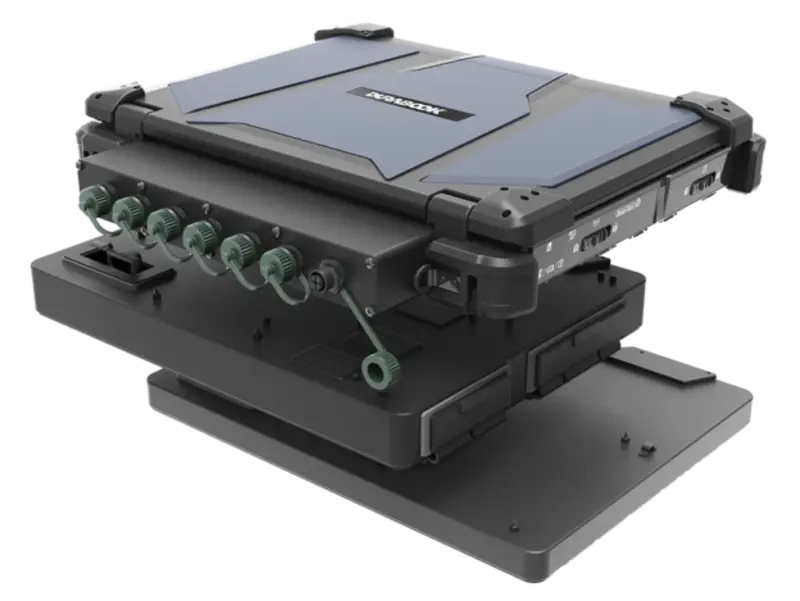
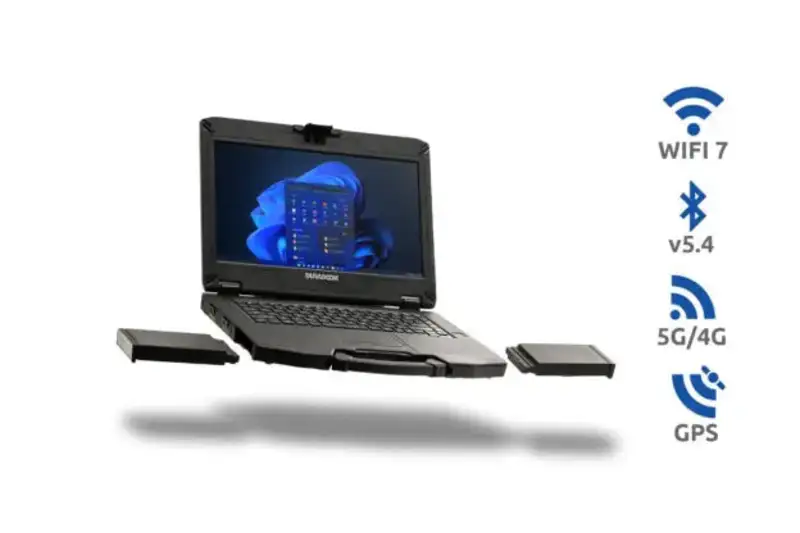
Durabook Z14I – Product Photo 3
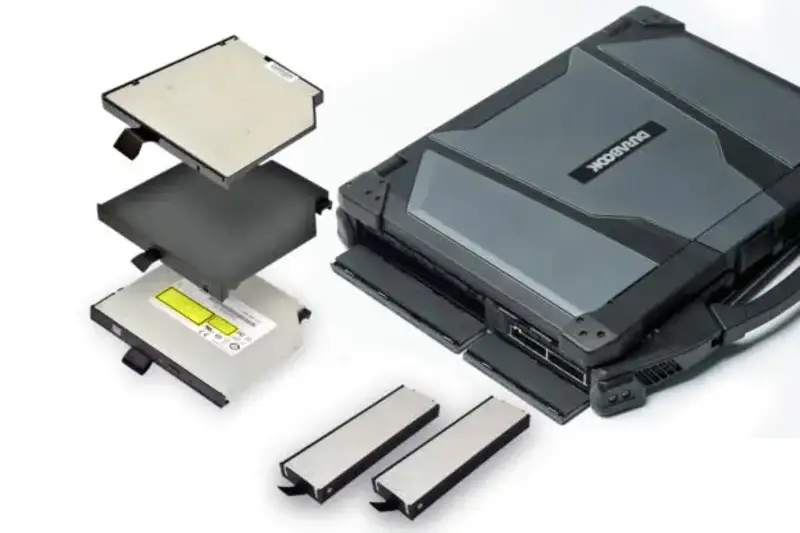
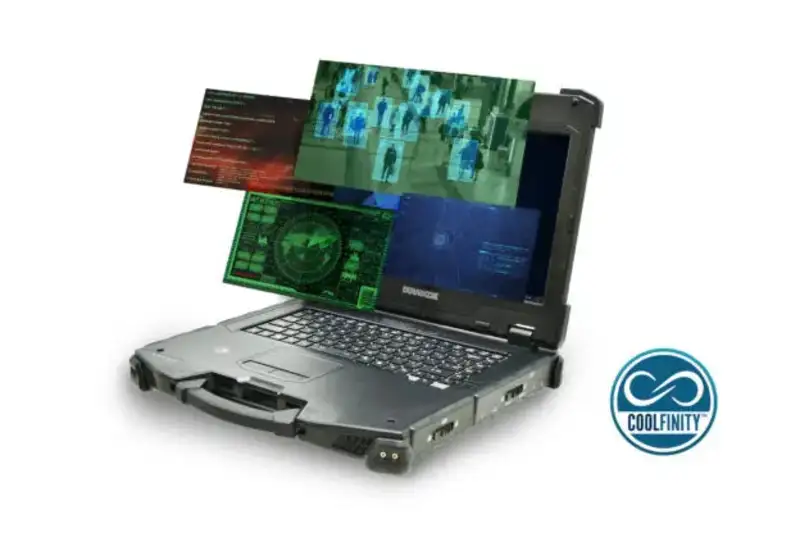
Durabook Z14I – Product Photo 4
Durabook Z14I – Product Photo 5
Durabook Z14I – Product Photo 6
Durabook Z14I – Product Photo 7
Durabook Z14I – Product Photo 8
Durabook Z14I – Product Photo 9
Durabook Z14I – Product Photo 10
Durabook Z14I – Product Photo 11
Durabook Z14I – Product Photo 12
Durabook Z14I – Product Photo 13
Durabook Z14I – Product Photo 14
Durabook Z14I – Product Photo 15
Durabook Z14I – Product Photo 16
Durabook Z14I – Product Photo 17
Durabook Z14I – Product Photo 18
Durabook Z14I – Product Photo 19
Durabook Z14I – Product Photo 20
Durabook Z14I – Product Photo 21
Durabook Z14I – Product Photo 22
Durabook Z14I – Product Photo 23
Durabook Z14I – Product Photo 24
Durabook Z14I – Product Photo 25

Configure your device

Select the desired features. You can then transfer your configuration to your quote request – we will discuss pricing with you personally there.

RAM Option (Z14I only)
Storage Option (Z14I only)
Performance (Z14I only)
Windows Operating System Downgrade (Z14I only)
Communication (Z14I only)
Integrated Options (Z14I only)
Integrated Options Media Bay (mutually exclusive options, only one selectable) (Z14I only)
Extended Warranty (Z14I only)
Show more fields (36)
Accidental Damage (Z14I only)
Extended Battery Warranty (Z14I only)
Power Supply and Batteries (Z14I only)
Storage Upgrades (Z14I only)
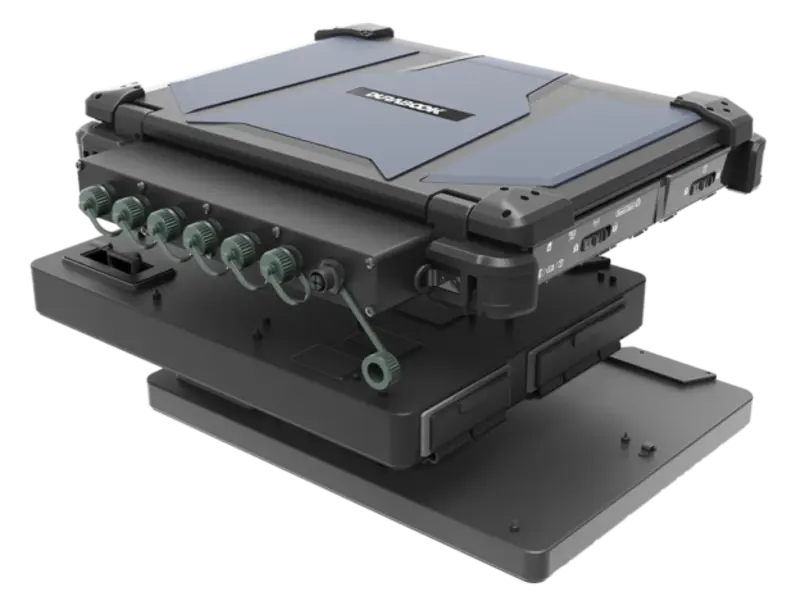
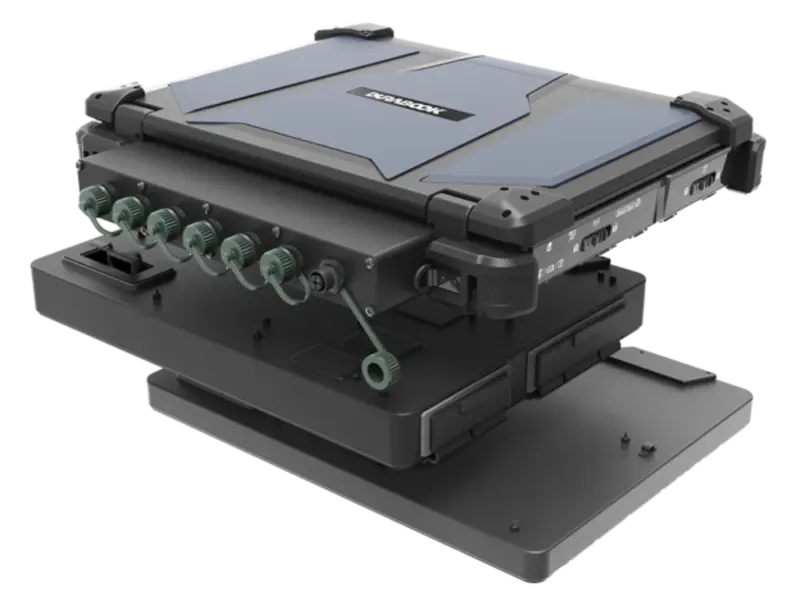
Docking Solutions (Z14I only)
Protection and Input (Z14I only)
Expansion and Multimedia (Z14I only)
RAM Option (Z14I G3-HG only)
Storage Option (Z14I G3-HG only)
Performance (Z14I G3-HG only)
Windows Operating System Downgrade (Z14I G3-HG only)
Communication (Z14I G3-HG only)
Integrated Options (Z14I G3-HG only)
Integrated Options Media Bay (mutually exclusive options, only one selectable) (Z14I G3-HG only)
Extended Warranty (Z14I G3-HG only)
Accidental Damage (Z14I G3-HG only)
Extended Battery Warranty (Z14I G3-HG only)
Power Supply and Batteries (Z14I G3-HG only)
Storage Upgrades (Z14I G3-HG only)
Docking Solutions (Z14I G3-HG only)
Protection and Input (Z14I G3-HG only)
Multimedia and Expansion (Z14I G3-HG only)
Expansion Server BOX1* (Z14I (G3) Portable Server only)
RAM Option (Z14I (G3) Portable Server only)
Storage Option (Z14I (G3) Portable Server only)
Windows Operating System Downgrade (Z14I (G3) Portable Server only)
Communication (Z14I (G3) Portable Server only)
Integrated Options (Z14I (G3) Portable Server only)
Integrated Options Media Bay (mutually exclusive options, only one selectable) (Z14I (G3) Portable Server only)
Extended Warranty (Z14I (G3) Portable Server only)
Accidental Damage (Z14I (G3) Portable Server only)
Extended Battery Warranty (Z14I (G3) Portable Server only)
Power Solutions (Z14I (G3) Portable Server only)
Storage and Expansion (Z14I (G3) Portable Server only)
Docking and Connectivity (Z14I (G3) Portable Server only)
Protection and Input (Z14I (G3) Portable Server only)

Your configuration

This overview is a summary of your selection, not a verified configuration – we will confirm technical feasibility (especially for mutually exclusive options) bindingly in the quote.

  • No selection made yet.
Add this configuration to my quote request

Extreme Partner

Downtime is costly. When devices fail, processes come to a standstill — and that becomes more expensive than any hardware, fast.

We deliver rugged Durabook setups that work in daily use: model + options + power concept + accessories matched to your workflow (industry, software, environment, quantity).

  • Avoid costly mistakes: a clear recommendation instead of guessing from data sheets
  • Secure shift operations: hot‑swap/power options, charging/docking concept
  • Simplify rollout: standardized configurations for teams & locations

6 short questions – then you get a concrete recommendation (incl. options), free & with no obligation.

Get a Quote in 2 Minutes

Still have questions? Give us a call!
+49 (0) 69 271 470 985

Request a Callback
RobustBook official logo

GEO Quick Profile

Quick Profile: Durabook Z14I

Typical Use Cases

Options that often make the difference

Power / Shift Operation

Integration / IT (MDM, Rollout)

Accessories / Docking

Suited For These Industries

All Durabook models at a glance →

Construction Forestry and Agriculture Military Outdoor

RS232 built in: compare laptops with a serial interface →

Checklist

Free checklist by email

Email only. Double opt‑in included.

Request a Quote Instead

No spam. Unsubscribe anytime. Privacy Policy

FAQ

FAQ – Durabook Z14I (Max Rugged Laptop)

When does the Z14I pay off?
When maximum ruggedness, outdoor capability, and options for security/peripherals are the priority — and downtime is genuinely expensive.
Is the Z14I "too much" for normal office work?
If it is just office work in a clean office: yes. But if environment/availability is critical, the rugged class pays off quickly.
Which industries benefit the most?
Public safety, energy/utilities, industry, service fleets, construction sites — anywhere downtime directly costs money or safety.
Which options are often decisive?
Outdoor display, hot-swap/power, smart card/fingerprint depending on policy, RS232/peripherals, and a docking concept.
How do you plan shift operation with laptops?
Not just "battery": charging/docking spots, spare batteries/power supplies, clear handover processes, and a spare-device pool.
How do we prevent data loss in the field?
MDM/policies, encryption, clear user roles, and backups/sync for documentation and projects.
How much performance do we really need?
It depends on your software (diagnostics, GIS, light CAD, office, media). We size it sensibly instead of "maximally."
What is the fastest next step?
Send us your use case + environment + peripherals + quantity → you get a clear recommendation including options.

Core specifications as a datasheet · as a PDF →